Easy Integration

Sales Countdown Timer Builder

Boost sales and create urgency with a countdown timer for discounts and promotions. Display real-time timers on product pages and WooCommerce product cards to highlight flash sales, seasonal offers, and limited-time deals.
1
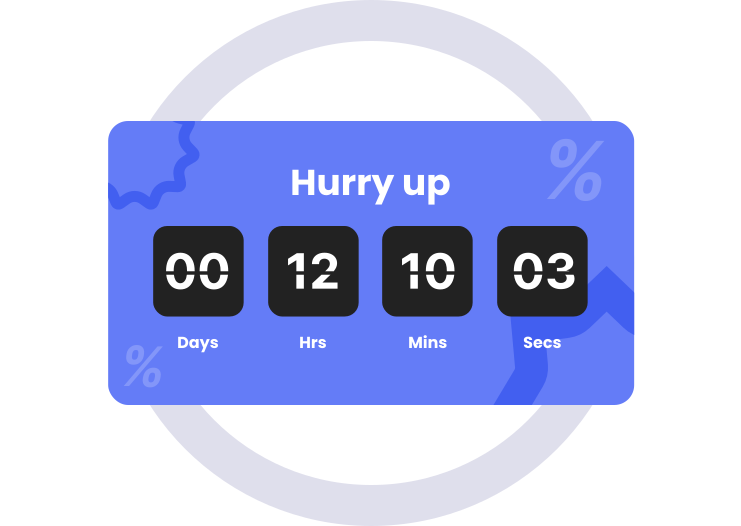
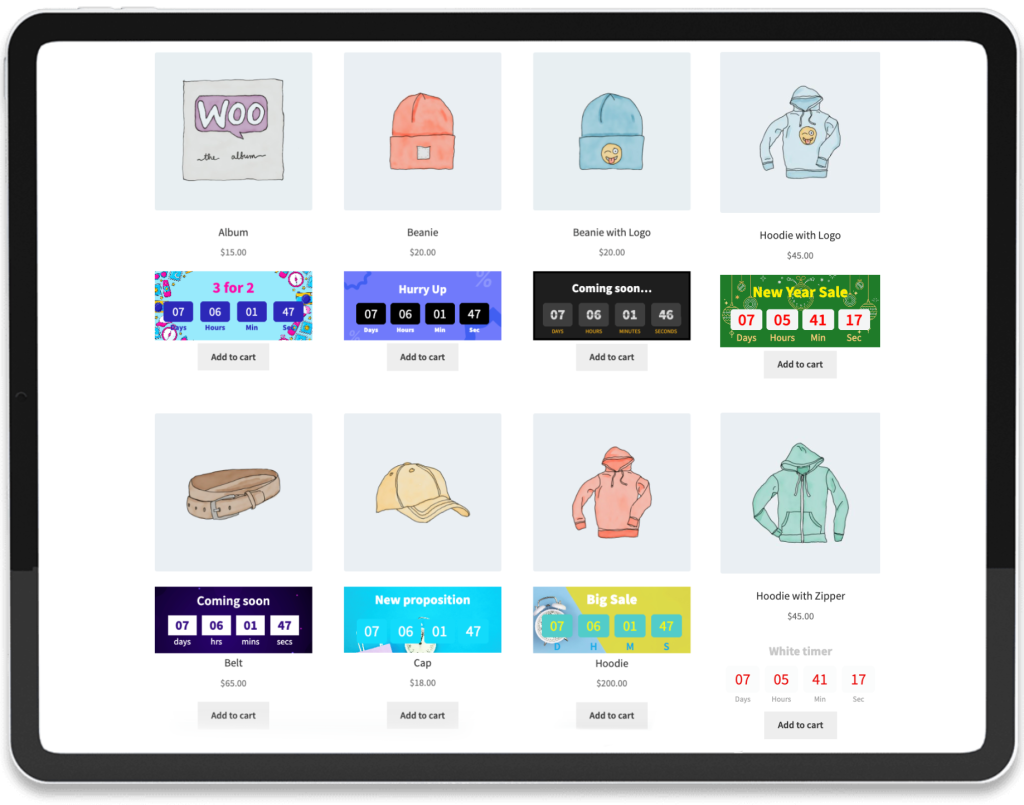
Timers for the product card

With the tools in our plugin, you can create unique timers for your online store that perfectly match your site’s overall design.

2
Countdown Timer Scheduler

Set up automatic countdown timers in minutes — choose start and end times, generate limited-time urgency, and boost sales and customer engagement instantly.

3
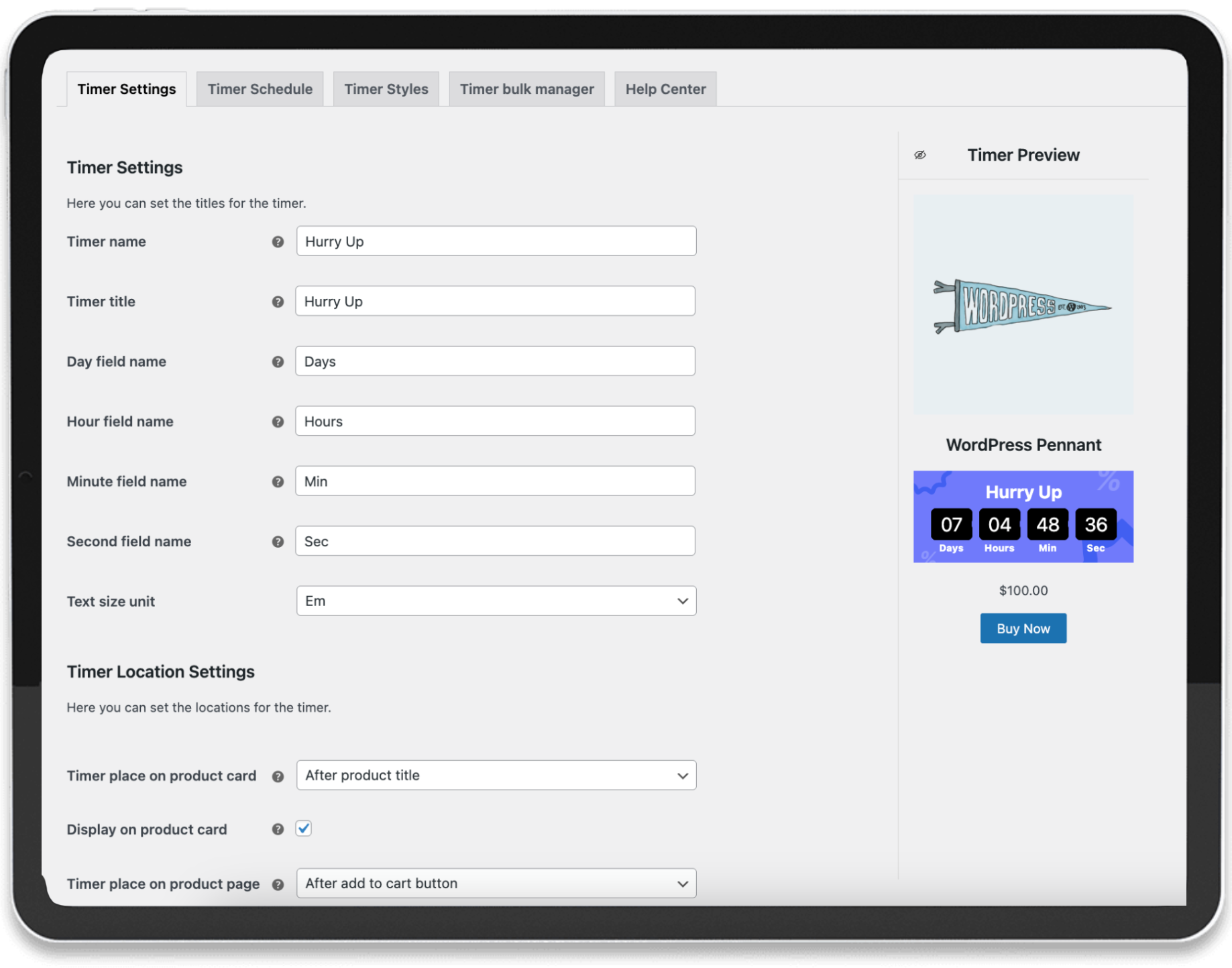
Place a Timer Directly on Your Product Card and Page

Easily position countdown timers wherever you want on the product card — above the image or inside the card — to maximize attention and drive urgency for your promotions.

Core Plugin Features

Explore the key features that make managing product countdown timers and information easy and effective.

Easily design unique timers

Create attention-grabbing countdown timers in just a few clicks. Customize their look and placement to fit your brand and use them to increase urgency, attract buyers, and boost sales performance.

Timer builder

Create stunning countdown timers for your store in minutes! With our plugin, you can fully customize the design, placement, colors, and style — all without writing a single line of code. Make your products stand out and drive urgency to boost sales.

Countdown Timer Scheduler

Easily schedule countdown timers to start and end automatically at specific dates and times, creating urgency for your promotions and driving higher conversions and sales.

Bulk manager

Our plugin provides a simple and efficient tool for adding countdown timers to multiple products at once. You can easily manage them using categories and tags, as well as include or exclude individual products for full control and flexibility.

How Information Countdown Timers Help Increase Sales

Countdown timers are a powerful tool for creating a sense of urgency and scarcity. By showing customers that a promotion or offer is limited in time, they are more likely to make quick purchasing decisions.

Displaying timers directly on product cards or pages can:

  • Highlight limited-time offers and special promotions

  • Encourage faster decision-making by creating urgency

  • Increase conversions and average order value

  • Improve customer engagement by making your store more dynamic

In short, well-placed countdown timers help turn visitors into buyers and drive measurable sales growth.

Installation

Install in just a few clicks — no extra steps needed.

Installing our plugin takes just one minute, and once activated, your store is immediately ready to start increasing sales.

With no complicated setup or coding required, you can quickly add custom timers to your product cards, highlighting promotions, sizes, stock availability, and other key details.

This simple yet powerful enhancement helps your customers make faster, more confident purchasing decisions, ultimately boosting conversions and driving revenue.

How Our Plugin Work

Discover how easily you can create labels with just a few clicks.

Questions & Answers

Find quick answers to the questions we hear most about our plugin and its features.

  • 1. How to buy the plugin?

    We sell our plugin exclusively on the official woocommerce.com marketplace — part of the trusted WooCommerce products ecosystem.

    Our plugin has successfully passed all required quality and security checks conducted by the WooCommerce review team, ensuring it meets their high standards for performance, functionality, and code quality.

    By purchasing through woocommerce.com, you receive a verified, secure product along with official updates and dedicated support from our team.

    You can find our plugin at this address

  • 2. Can I hire you to set everything up for me?

    Yes! Our team can help you install, configure, and customize the plugin to perfectly fit your store’s needs. We’ll handle all the setup so you can focus on running your business — your plugin will be ready to use right away.

  • 3. Plugin compatibility with various WooCommerce themes?

    We tested the operation of our plugin on various themes, the test result showed that our plugin works correctly on all themes in which the standard WordPress/WooCommerce behavior has not been changed/rewritten.

    On the technical documentation page, we describe in detail how to configure the plugin and solve potential problems. Page here

    We also offer our help if your theme has changed the default behavior, just contact us plugins_support@develux.com.

  • 4. Is it possible to use bulk manager?

    Yes, the plugin allows you to assign labels, timers, and custom information elements to any number of products.

    To do this, you can select specific products in which these elements should be displayed. You can also select categories and tags, in which case the elements will be displayed in all products that belong to these categories and tags.


Have any questions? Get in Touch

Getting started with Develux today!

Our goal is to deliver the best solution tailored to your business needs.